MAP BRIEFING / 02
“Five”
The Pentagon turns into a close-quarters survival arena. Offices, elevators, and lower laboratories make “Five” a map of vertical movement and difficult decisions. Learn how the floors connect before the tight passages start filling with the undead.
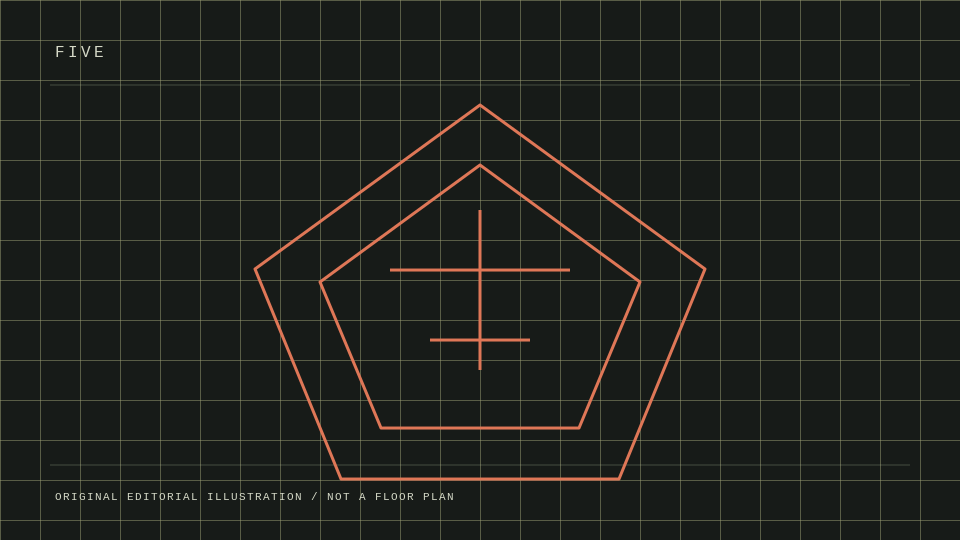
Original editorial illustration. Not a navigable map.
“Five”: learn connections before relying on elevators
The Pentagon layout has distinct floors, elevators and lower laboratories in the archived description. On a first study session, record each elevator’s origin and destination and the route back. A narrow corridor and an elevator waiting point are different exposure risks.
A walkthrough should show the power state and actual DEFCON-switch sequence before claiming upgrade access. The controlled input tests do not establish switch positions, required timing or the full round trip.
Map availability is separate from retail unlocking
This capture lists Five as a selectable map. That is different from any unlock procedure in an original retail edition. We do not give a retail code or claim that a browser menu verifies a console unlock.
For special-enemy advice, record what the enemy did and the weapon/equipment state afterwards. The current evidence does not support a guaranteed counter or recovery procedure.
What the browser evidence actually verifies
The archived October 10, 2026 controlled desktop Chrome checks entered this map and exercised movement, aiming and firing. They did not complete its progression objectives. Some tests needed temporary permission in an isolated profile, so default-profile reliability is not established.
The original diagram above is a thematic illustration, not a floor plan. An exact location map, door budget, perk price or complete objective route needs a matching gameplay record before being described as verified.
What to expect
- Multi-floor Pentagon setting
- Elevators and DEFCON switches
- Tight corridors and limited escape space
Your first rounds
- Know where the elevators take you before you rely on one to escape.
- Give narrow corridors extra room: a second group can cut off your return route.
- Keep a dependable wall weapon in your plan so that ammunition is easier to replace.
Know your controls
Check the original game’s controls and options before starting. The game interface remains in English. Read the full guide
CHOOSE YOUR BATTLEGROUND
Choose a different battleground
Keep exploring the complete Black Ops Zombies map collection.